
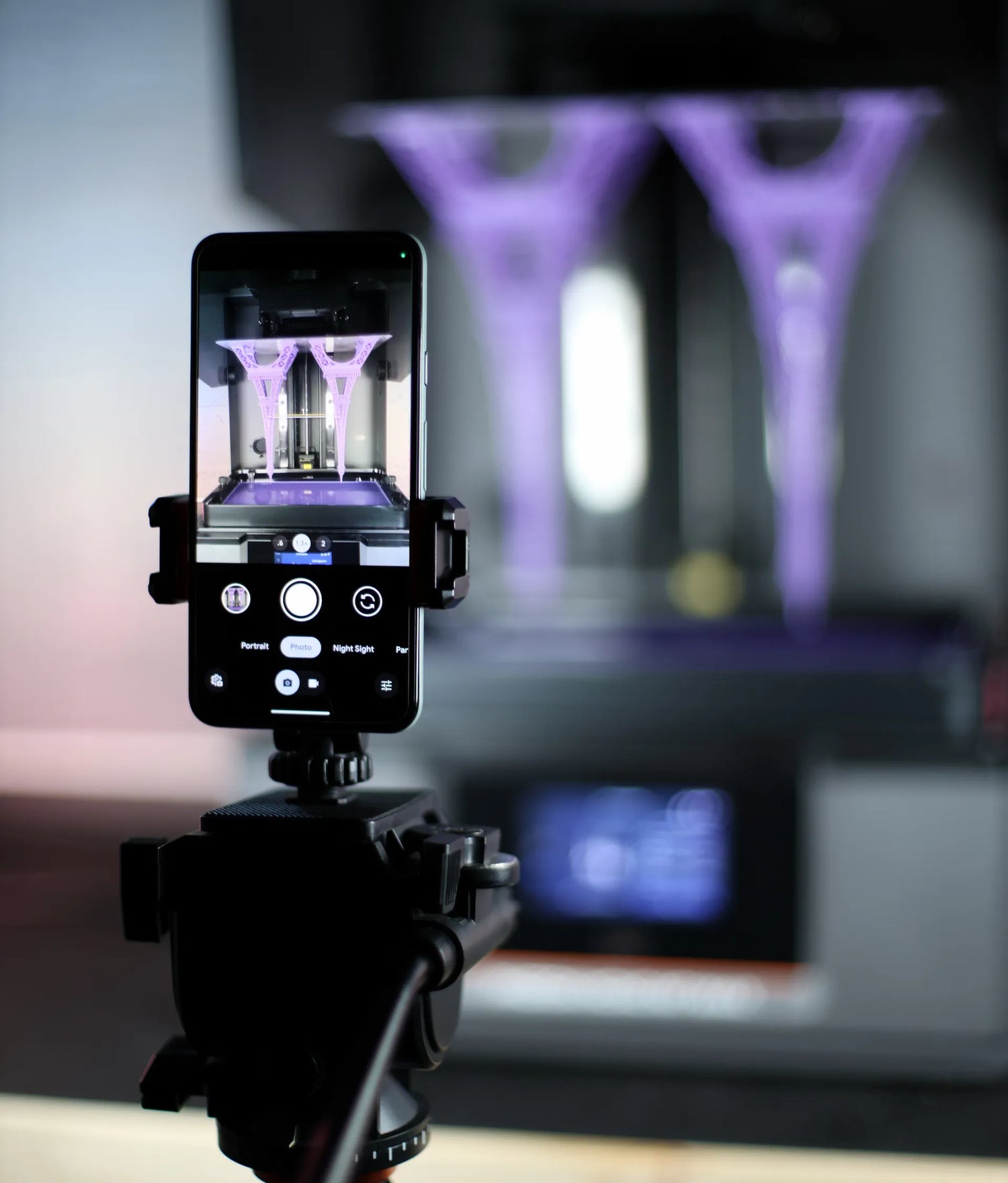
Smooth resin timelapses — without expensive camera rigs.
Don’t spend thousands on DSLR equipment. Capture professional resin timelapses using the phone, tablet, or camera you already own.
Captured on a consumer smartphone.
Who SyncUV Is For

- Resin printer owners who want smooth, professional timelapses
- Creators & Youtubers showcasing prints without complex camera rigs
- Hobbyists & makers looking for consistent results without trial-and-error
- Anyone who wants to use the camera they already own
If you use a resin printer and want clean timelapses without overthinking the setup, SyncUV was built for exactly that.
Products
Purpose-built tools for resin timelapses — no apps, no subscriptions, no expensive camera gear.


Community Driven Features
Each feature was shaped by real feedback from the resin printing community

Capture with Any Device
Community makers wanted an affordable way to capture their resin prints without investing in expensive DSLR gear.
SyncUV Hub makes it possible — letting you create stunning timelapses with any smartphone or tablet. And if you already have a DSLR, the Hub works seamlessly with that too.

Reliability You Can Trust
Our products feature a professionally over-molded sensor cable designed to reliably detect the 385–405 nm UV light used by resin printers — delivering consistent, reliable shutter releases you can count on.

Designed by Makers - for Makers
SyncUV Hub was built from the ground up with resin printing in mind. We've relied on resin printers from the first prototypes through production to build the very product that helps you capture your own prints.
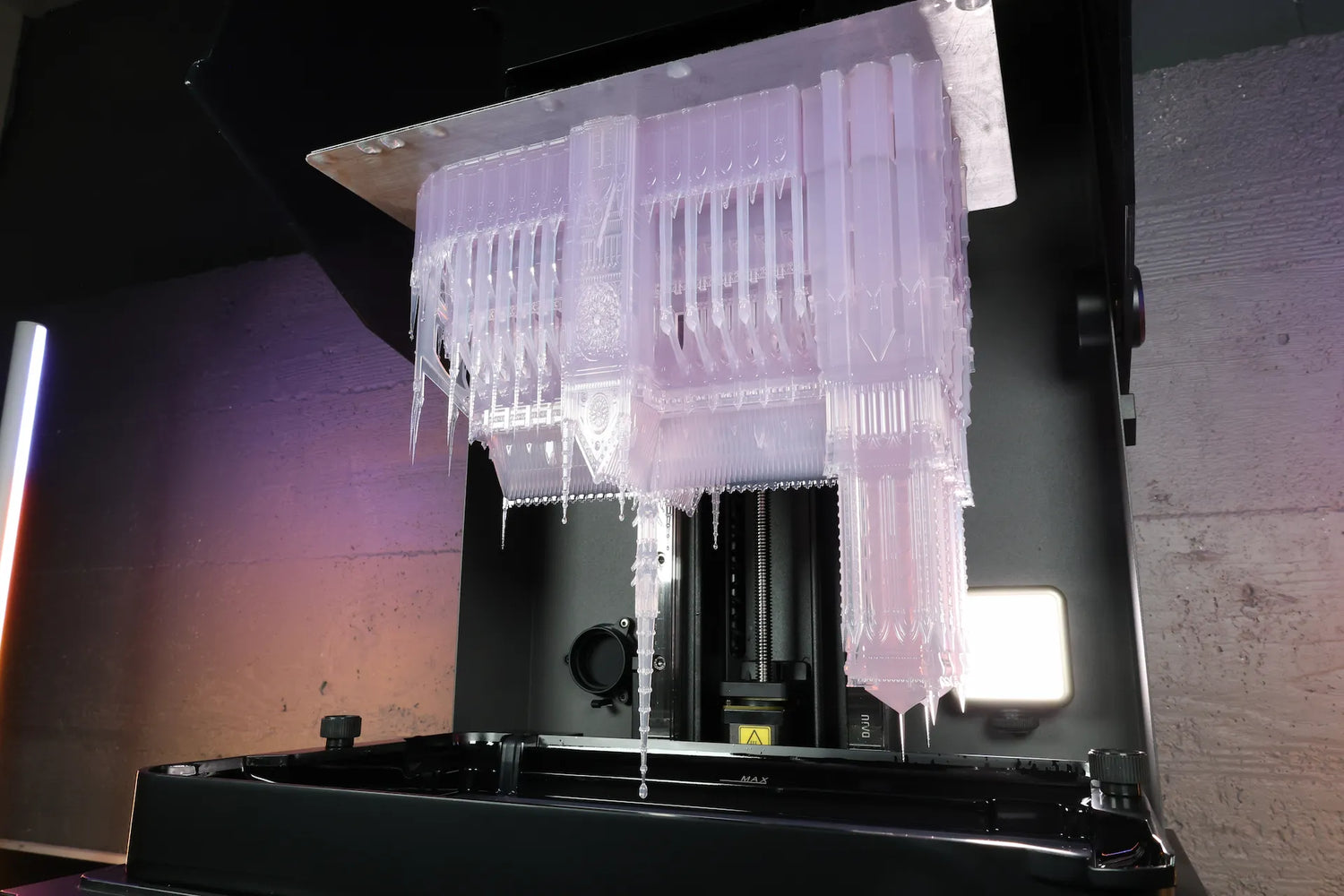
Guides, Tips, and Support
From product setup to lighting and camera tips, our video guides walk you through every step of the process — so you can spend less time troubleshooting and more time printing.
And if you ever need help, we're always here to assist.
You've seen what SyncUV can do - now make it part of your setup
Design used in video banner timelapse is credited to "caryq627" - licensed under CC BY-SA 3.0